
For drivers and riders
Your vehicle. Your business.
Karago is launching soon. Whether you drive a truck or a mini van or ride a dispatch bike, you'll take requests, log every trip and know your real profit.
For drivers and riders
Karago is launching soon. Whether you drive a truck or a mini van or ride a dispatch bike, you'll take requests, log every trip and know your real profit.
Every trip
recorded stage by stage
Real profit
not just gross revenue
Return loads
shippers on your route will be able to find you
What you get
You'll log revenue, fuel, tolls, and repairs per trip, and see your real profit, not just gross.
Karago will show you available loads along your return route, so you can avoid driving back empty.
Payment will be held until the shipper confirms delivery with a code. If they don't confirm or raise a dispute within 48 hours of the driver marking it delivered, it may be released automatically.
Upload your documents once. Our team reviews them before your vehicle can take bookings.
For fleet owners
We're signing up fleets before launch. Each driver will take requests and log trips in the app.
Tell us how many vehicles you run and our team will help you get set up.
Talk to us about your fleetHow it will work
Truck drivers and dispatch riders will both get a request with the route, cargo and offer, to accept, decline or counter with their own price.
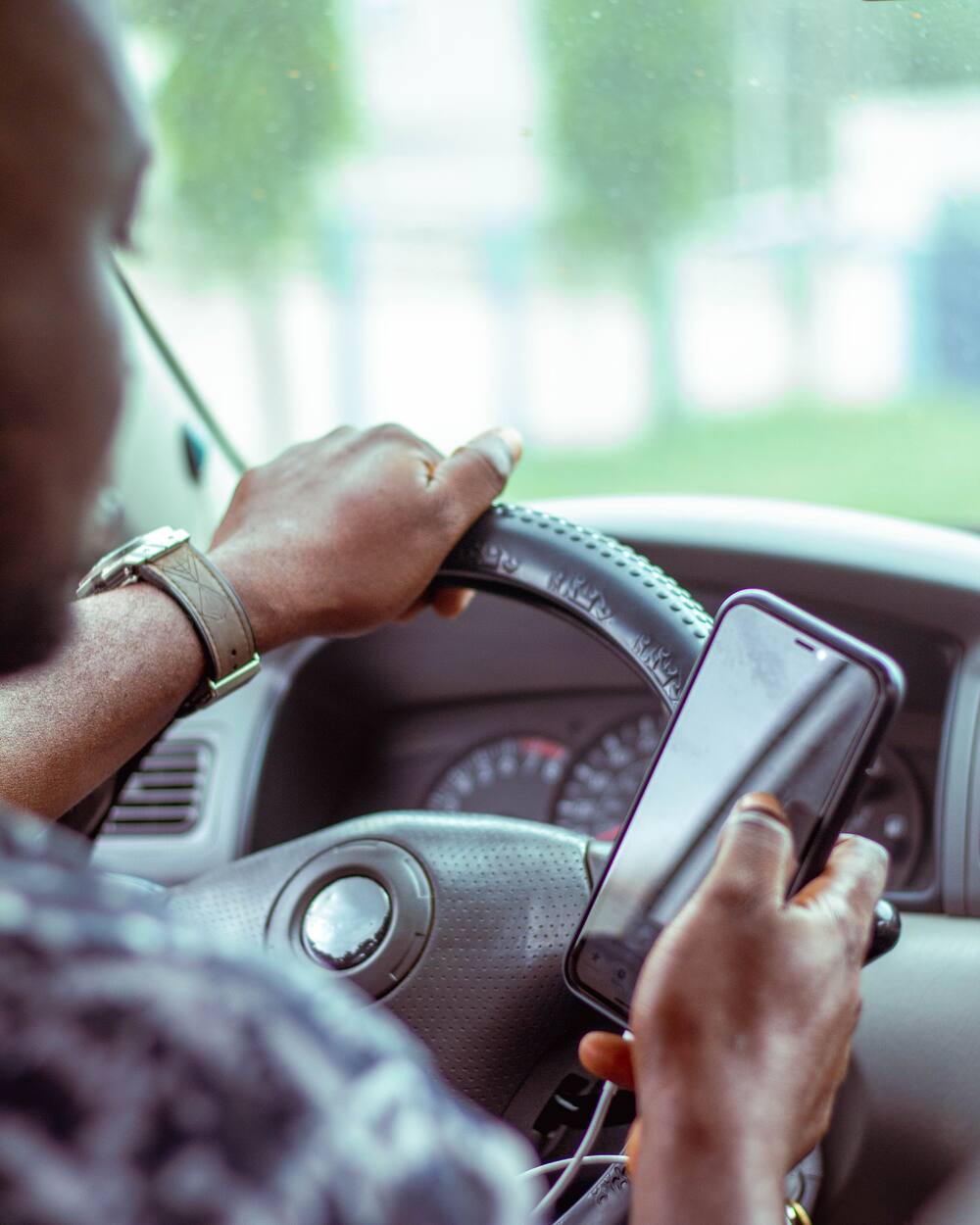
Each request shows the route, the cargo and the offer.

Accept the offer, decline it, or send back your own price.
The trip is recorded stage by stage, and the shipper follows your progress on the map.

The shipper enters the delivery code to confirm delivery.
Getting started
Share your name, phone, vehicle type and usual routes. Our team will call you before launch.
Licence, vehicle papers, insurance. One-time upload.
Our team reviews your documents, so you're ready when booking opens.
Tell us about your vehicle and usual routes. Our team will call you before launch to get you verified.